
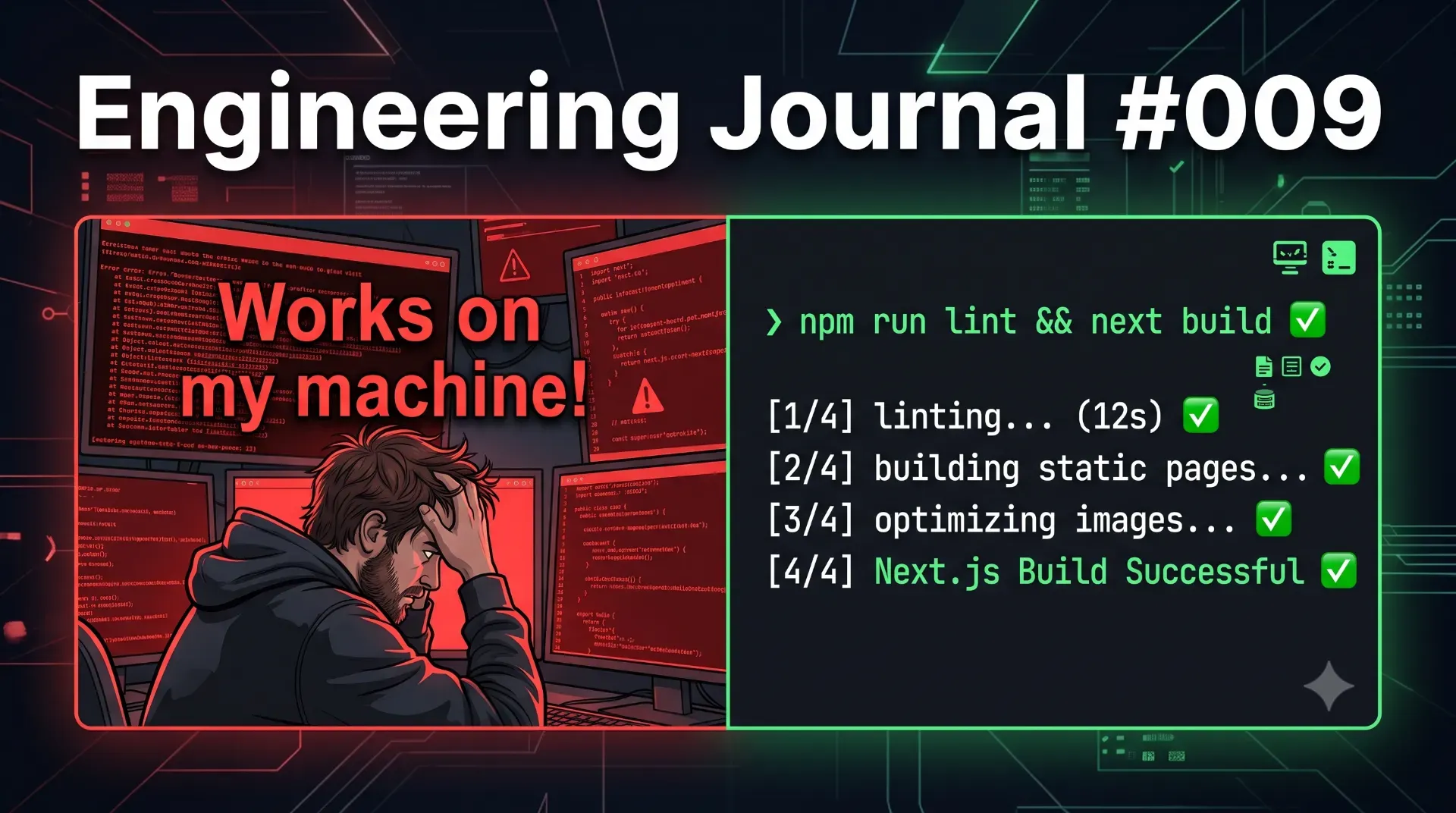
"Works on My Machine" Never Happened Because Lint Said No
The phrase 'works on my machine' is an engineering failure. Discover how adding a single command to your pipeline—npm run lint before build—eliminates deployment anxiety and forces developers to actually fix their code before it reaches production.
localhost:3000 environment, verifies that the button does indeed turn blue when clicked, and aggressively pushes the code to the main branch. Five minutes later, the Vercel production deployment crashes, or worse, the build succeeds but the live application throws a catastrophic hydration error for thousands of users.package.json file.1. The Illusion of Localhost
npm run dev in a Next.js or React application, the bundler spins up a local development server. This server is optimized for Hot Module Replacement (HMR) and rapid iterative feedback. - Unused variables bloating the file.
- Missing dependencies in your
useEffectarrays. - Imported modules that are never actually utilized.
- Variables accessed before they are initialized (Temporal Dead Zone).
2. The Anatomy of the Hard Gatekeeper
package.json file.&& (Logical AND) operator.&&, the system executes the first command (npm run lint). If that command finishes and returns an exit code of 0 (meaning absolute success), only then will the terminal proceed to execute the second command (next build).1). The && operator acts as a hard circuit breaker. The pipeline terminates immediately. The next build command never fires. The deployment is aggressively blocked.3. Why Next.js Defaults Are Not Always Enough
next build will trigger Next.js's internal linting step. However, relying purely on the default framework behavior introduces two massive architectural risks in enterprise environments.When developers are rushed to push a hotfix, they often get frustrated by lint errors breaking their deployment. A common, catastrophic "solution" they find on StackOverflow is to quietly add this to their
next.config.js:next build will completely ignore all structural errors and compile the broken code directly into production. By explicitly enforcing "build": "npm run lint && next build" in your package.json, you ensure that the linter runs independently as a strict Node script. Even if a developer attempts to bypass the Next.js internal config, the explicit script will catch them.Next.js allocates memory, parses configurations, and spins up Webpack before it initiates its internal linting phase. If you have a massive enterprise application, spinning up the build engine takes time and consumes expensive CI/CD compute minutes (like Vercel build minutes or GitHub Actions runners).
npm run lint explicitly before the build command ensures that if there is a silly syntax error, the pipeline fails in exactly 3 seconds. It "fails fast," saving you the time and financial cost of spinning up a heavy build engine just to fail three minutes later.4. Catching the Invisible Killers
eslint-plugin-react-hooks), it catches invisible logic bombs that humans routinely miss during code reviews.currentUserId was omitted from the dependency array, the useEffect hook will form a stale closure. It will repeatedly save data to the very first user who logged in, completely ignoring when the active user changes.npm run lint && next build, this data-corruption bug would have been blocked from ever reaching the main branch.5. Expanding the Pipeline: The TypeScript Gate
tsc --noEmit command tells the TypeScript compiler to read every single file in the project and verify the strict type architecture without actually generating any JavaScript files.- Lint Phase: Is the logic structurally sound? (No unused variables, no missing dependencies).
- Type Phase: Are the data contracts perfectly aligned? (No passing strings into number fields).
- Build Phase: Compile the verified, pristine code into an optimized production bundle.
6. The Psychological Shift in Engineering Culture
npm run lint && next build pipeline, your developers will likely complain.Conclusion
npm run lint && to your build script is a five-second technical change that forces a permanent cultural shift. It removes deployment anxiety, drastically reduces production regressions, and definitively kills the "works on my machine" excuse forever.💡 Key Engineering Takeaways
Frequently Asked Questions
Why should I run lint explicitly if Next.js already does it during the build?
Running `npm run lint` explicitly before `next build` allows you to customize strict flags (like `--max-warnings=0`), prevents developers from bypassing checks via `ignoreDuringBuilds` configurations, and ensures your CI/CD pipeline "fails fast" in seconds rather than wasting expensive build minutes spinning up Webpack.
What does the `&&` operator actually do in a package.json script?
The `&&` operator is a logical AND bash command. It tells the terminal to execute the first script, check its exit code, and *only* execute the second script if the first one returns a 0 (absolute success). If the linter fails, the script immediately aborts.
Why does code work on my local machine but fail in production?
Local development servers (like `next dev`) are highly forgiving. They prioritize speed and Hot Module Replacement (HMR) over strictness, often masking memory leaks, stale closures, unused variables, and missing environment variables that will immediately crash a hardened production server.
Can I bypass the lint command if I have a critical emergency hotfix?
While you theoretically can edit the `package.json` to bypass it, you never should. Emergency hotfixes are statistically the most likely deployments to contain severe, application-breaking syntax errors because the developer is panicked. The linter is most critical during an emergency.
What is the difference between ESLint and TypeScript in the build pipeline?
ESLint checks for structural logic flaws, syntax errors, and React-specific anti-patterns (like missing hook dependencies). TypeScript (`tsc --noEmit`) strictly verifies that your data shapes and variable types are mathematically correct across the entire application. Both are required for true enterprise stability.
Feedback
Was this article helpful?
Related Engineering Diaries
Why AI Disabled ESLint Instead of Fixing My Code
An AI coding agent tried to silence dozens of lint errors by injecting eslint-disable comments inste...
Building 82 Pages in 49 Seconds: What Actually Made the Difference
Stop wasting expensive CI/CD minutes on slow deployments. Discover seven proven architectural secret...
Why My Green Vercel Deployment Returned a 404
Vercel displayed a green deployment success badge, but my live production URL returned a pristine 40...