
🛍️

Shopify Store Design

✍️

WordPress Websites

Custom Web Apps

📈

Meta Ads Marketing

Partner NetworkWorkPricingAboutContact
Get Started →
📞Call📋Get Quote
Everything Returned 200 OK... But My Dropdown Was Still Empty
Engineering Journal #011Intermediate

Everything Returned 200 OK... But My Dropdown Was Still Empty

8 min readBy Ajay Thakkar
Project:Indrani Jewelers Admin Panel
Stack:
Next.jsReactMongoDBTypeScript

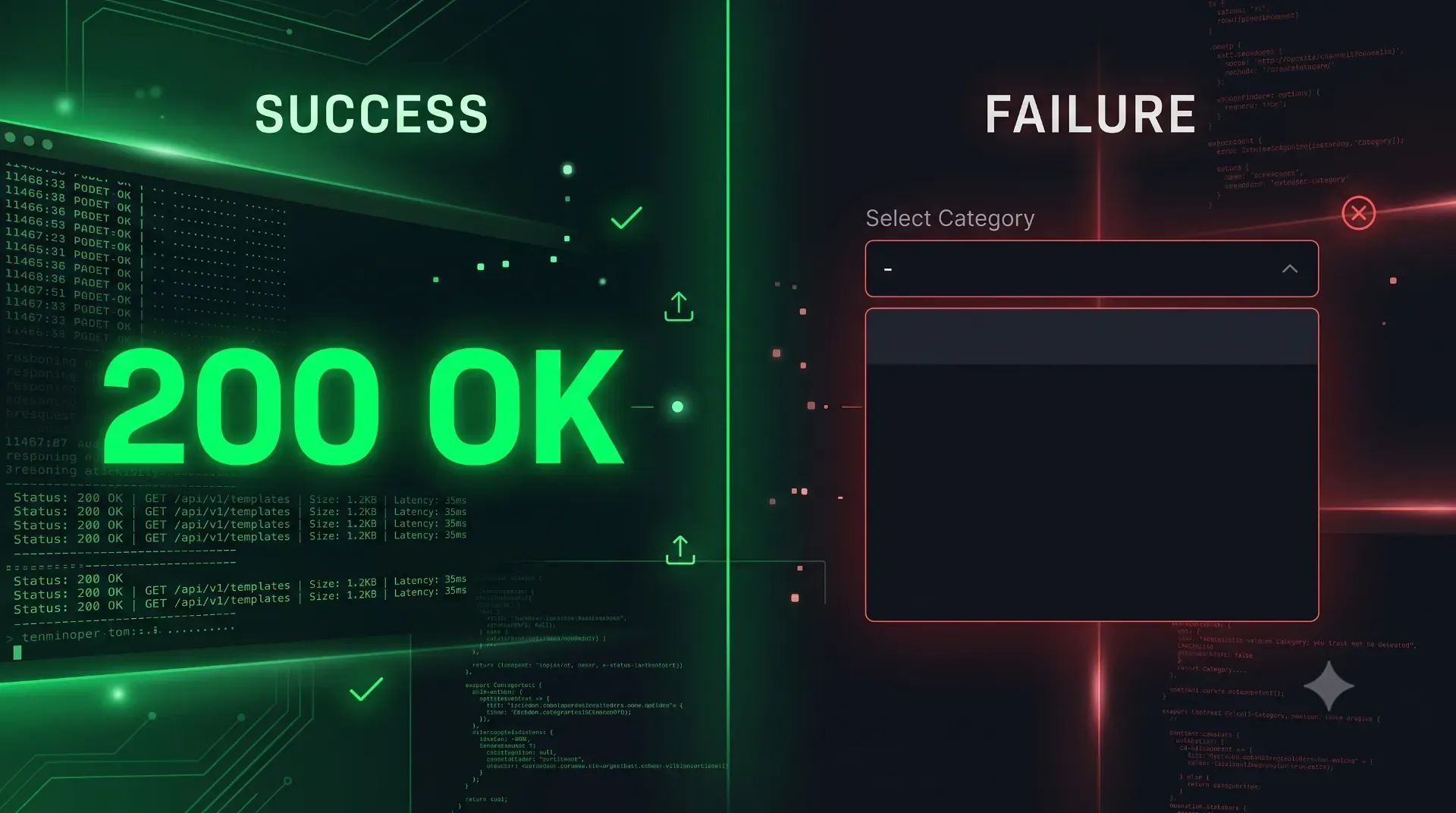
I spent nearly eight hours debugging an empty dropdown in my Next.js admin panel. The API returned a perfect 200 OK, but the data was missing. Here is why following the data pipeline is critical.

I was recently tasked with building a new Product Metadata Engine for a high-volume enterprise jewelry administrative panel.

The feature goal was incredibly simple and highly practical. Administrators needed to be able to choose a "Specification Template" from a standard UI dropdown menu. For example, if they selected "Engagement Ring," the system would automatically generate all the specific required input fields for that item (Carat, Clarity, Cut, Band Material). If they selected "Necklace," a different set of fields would render (Chain Length, Clasp Type).

I built the MongoDB schema. I wrote the Next.js API route. I wired up the React frontend with a clean, headless UI dropdown component. I ran my database seed script to populate the initial templates. I compiled the application, opened the browser, clicked on the beautiful new dropdown menu, and...

It was completely empty.

No data. No templates. Just a sad, blank white rectangle hovering on my screen. Thus began a grueling, multi-hour descent into debugging madness.

---

1. The Timeline of Madness: Assuming the Worst

When you build full-stack applications, an empty UI component can be caused by a failure at any of a half-dozen different architectural layers. As developers, we tend to debug based on our most recent traumas.

The First Assumption: The Frontend is Broken

My immediate thought was that I had messed up the React state. I opened my code editor and stared at the component.

  • Did I forget to initialize the useState array? No, it was const [templates, setTemplates] = useState([]).
  • Was the useEffect hook failing to fire on component mount? No, I added a console.log("Fetching...") and it printed perfectly in the browser console.
  • Was the headless UI component expecting a different data structure? No, I hardcoded some dummy data into the state, and the dropdown populated perfectly.

The React component was rendering exactly as it was instructed. The frontend was innocent.

The Second Assumption: Aggressive Next.js Caching

If the frontend is fine, the framework must be to blame. Anyone who has worked with the Next.js App Router knows the deep, existential dread of aggressive server-side caching.

Next.js loves to cache fetch requests at build time or during the first request to save bandwidth. I assumed the framework had cached an empty state before my database was ready. So, I applied the heavy artillery. I went to the top of my API route and explicitly added the cache-busting directives:

export const dynamic = "force-dynamic";
export const revalidate = 0;

I also updated my client-side fetch call to include cache: "no-store". I restarted the local development server. I refreshed the page. I clicked the dropdown.

Still completely empty.

The Third Assumption: The Browser Cache

Okay, if it isn't the framework, it must be Google Chrome holding onto a stale response.

I hit Cmd + Shift + R to hard refresh the page. Nothing.
I opened a completely new Incognito window, logged back into the admin panel, and clicked the dropdown. Nothing.

The cache was innocent.

---

2. The Deceptive 200 OK

The Fourth Assumption: The API Route is Failing

By this point, I was getting frustrated. If the frontend works and the cache is clear, the API must be broken. It must be throwing a 500 Internal Server Error or a 404 Not Found.

I opened the Chrome Developer Tools, navigated to the Network tab, cleared the log, and refreshed the page to watch the traffic.

I found the request: GET /api/templates.

Under the status column, it proudly displayed a bright green 200 OK.

At first, I literally threw my hands up in celebration. The API worked! The routing was correct! Then, reality set in. I clicked on the network request and looked at the actual response payload.

{
  "success": true,
  "data": []
}

It was an empty array. A flawless, high-performance, perfectly executed empty array.

This is a critical moment in the psychology of debugging. An HTTP 200 OK only means the server successfully received the request, processed it without throwing a fatal exception, and returned a response. It does NOT guarantee the response contains the data you expect. It just means the protocol didn't crash.

---

3. The Database Illusion

The Fifth Assumption: The Database Seed Failed

If the API is returning an empty array without crashing, it means the database is telling the API that there are zero records in the collection.

Obviously, my database seed script must have failed to run.

I opened MongoDB Compass (my database GUI) to verify. I connected to my local cluster. I opened the templates collection.

I stared at the screen in disbelief. The documents were sitting right there.

  1. Engagement Ring
  2. Necklace
  3. Earrings
  4. Bangles

Everything looked perfect. The data existed.

Let's review the facts:

  • The frontend works.
  • The API returns a 200 OK.
  • The database has the exact documents I need.

And yet, the dropdown was still empty. I was officially losing my mind.

---

4. The Real Bug: A Tale of Two Cities

I closed my laptop. It was late at night, and my eyes were blurry. I went to sleep, woke up this morning, drank a large coffee, and looked at the codebase again. It still didn't make sense. I went to my day job, came home, and opened the project for another 30 minutes after work.

Finally, I stopped looking at the individual pieces and started looking at the connections between them.

I opened my backend database connection utility. Then, I opened my database seed script side-by-side.

The Application Connection:

// How the Next.js API connects
mongoose.connect(process.env.MONGODB_URI, {
  dbName: "indrani_jewelers_prod"
});

The Seed Script Connection:

// How my CLI seed script connects
mongoose.connect(process.env.MONGODB_URI);

Did you spot it?

Because I didn't explicitly specify the dbName in the seed script, Mongoose defaulted to the standard, top-level database (usually named test or admin in a local MongoDB instance).

The seed script ran perfectly. It created a templates collection and inserted the four jewelry templates.

The Next.js application also ran perfectly. It connected to indrani_jewelers_prod, queried the templates collection (which was currently empty in that specific database), and returned an empty array with a 200 OK status.

Both scripts executed flawlessly. They were just talking to two completely different databases on the same cluster.

---

5. The Time Toll and the True Cost

Let's tally up the time lost on this endeavor.

  • Two hours yesterday night staring blindly at React components.
  • An hour this morning fighting with Next.js caching documentation.
  • Another 30 minutes after work tracing API logs.

The total time lost was nearly six to eight hours of peak mental energy.

The final fix? I typed dbName: "indrani_jewelers_prod" into the seed script, hit save, ran the script again, and refreshed the browser.

The dropdown instantly populated with "Engagement Ring," "Necklace," "Earrings," and "Bangles." The actual technical fix took roughly 15 seconds. Finding the problem took an entire day.

---

6. The Engineering Lesson: Psychological Anchoring

The mistake I made was not technical. It was psychological.

In cognitive psychology, there is a concept called "anchoring." We latch onto the first piece of positive information we see and use it to justify our assumptions. I kept stopping my investigation at the very first thing that looked correct.

  • Frontend? Looks fine. (Stop investigating)
  • Cache? Looks fine. (Stop investigating)
  • API? 200 OK. (Stop investigating)
  • Database? Documents exist. (Stop investigating)

I assumed that because each individual layer appeared healthy in isolation, the system as a whole was healthy. The actual problem existed in the invisible space between the two layers.

---

7. Follow the Data Pipeline

If you want to survive debugging full-stack enterprise applications, you must adopt a strict methodology: Follow the data.

Do not jump around randomly based on hunches. Trace the exact pipeline, step-by-step, and mathematically verify the data at every single node.

  1. User Action: Did the user click the button?
  2. React State: Did the component attempt to fetch?
  3. Fetch Request: What exact URL and payload was sent from the browser?
  4. Network Response: Did it return 200 OK? What was the exact JSON payload?
  5. API Route: Did the server receive the request? Add a console.log at the very top of the route.
  6. Database Connection: What exact database name and URI is the server using right now? (This is where I failed).
  7. Collection Query: What is the exact Mongoose/Prisma query being executed?
  8. Expected Result: Does the query output match the UI expectation?

Never, ever assume that a successful previous layer proves that the next layer is correct.

---

8. Redefining the 200 OK

This experience fundamentally changed how I view network logs. When you see a 200 OK status code, you must actively remind yourself what it does not mean.

A 200 OK does not mean:

  • You connected to the correct database.
  • You queried the correct collection.
  • You are operating in the correct environment (Staging vs. Prod).
  • You are fetching data for the correct multi-tenant user.
  • The data you returned is actually useful to the frontend.

It only means that the HTTP request completed the round trip without a fatal syntax error or server timeout. That is a very low bar for success in an enterprise application.

---

Conclusion

Every production system is comprised of multiple layers—the client, the edge network, the serverless runtime, the ORM, and the database.

A catastrophic bug can exist even when every individual layer reports a perfectly healthy status code. The job of a software engineer is not just writing the layers; it is relentlessly verifying the connections between them until the data reaches the end user correctly.

This debugging session reminded me that software isn't just lines of code. It's connections. Sometimes, everything works perfectly. Just not together.

That realization cost me around eight hours of my life. Hopefully, this engineering journal saves you eight minutes of yours.

---

💡 Key Engineering Takeaways

An HTTP 200 OK status only confirms a successful network request; it does not guarantee the integrity or correctness of the payload. Debugging is a psychological exercise. Stopping your investigation at the first 'correct' looking metric is a fatal flaw. Database seed scripts and application runtimes often run in different execution contexts. Always explicitly define your target database. To solve complex full-stack bugs, you must follow the data sequentially through every single layer of the pipeline without skipping steps.

Frequently Asked Questions

Why can an HTTP 200 OK response still return incorrect data?

A 200 OK status code solely indicates that the server received the request and processed it without crashing. If the server successfully queries an empty database table or authenticates the wrong user, it will still return a 200 OK alongside an empty or incorrect data payload.

How do you effectively debug empty dropdowns in Next.js?

Start by isolating the layers. First, hardcode dummy data into the React state to verify the UI component works. Second, check the Network tab to ensure the API is returning data. Third, add `console.log` statements inside the API route to verify the database query is actually finding records.

What does `force-dynamic` actually solve in the Next.js App Router?

By default, Next.js aggressively caches route responses to improve performance. Adding `export const dynamic = "force-dynamic"` to an API route or page tells the framework to bypass the cache and execute the server-side logic (like database queries) fresh on every single incoming request.

Why should developers follow the data pipeline sequentially?

Jumping randomly between the frontend, backend, and database based on hunches leads to missed connections. By following the data sequentially (Click -> State -> Fetch -> API -> DB Query), you eliminate assumptions and isolate the exact millimeter where the data flow stops.

How can multiple database connections cause confusing bugs?

In full-stack development, you often have application code, migration scripts, and seed scripts. If these scripts do not explicitly define the exact database name in their connection strings (e.g., relying on defaults), they can successfully mutate data in a completely different database on the same cluster, making it look like the data exists when the application cannot see it.

Feedback

Was this article helpful?

Continue Reading

One Shopify CDN Image Broke My Detection EngineNext.js
·1 min read

One Shopify CDN Image Broke My Detection Engine

A single Shopify CDN image completely fooled my custom website detection engine into returning a false positive. Discover why this Next.js debugging journey taught me that true architectural server signals must always mathematically outweigh weak third-party media assets in automated auditing tools.

Read article →
My Admin Dashboard Returned a 404... But the Route ExistedNext.js
·1 min read

My Admin Dashboard Returned a 404... But the Route Existed

I spent hours debugging middleware, redirects, and server routing before discovering the real culprit behind a missing page: a six-line JavaScript Temporal Dead Zone mistake that completely crashed the React component before it could render.

Read article →
Why My Green Vercel Deployment Returned a 404Next.js
·1 min read

Why My Green Vercel Deployment Returned a 404

Vercel displayed a green deployment success badge, but my live production URL returned a pristine 404 Not Found. After five hours of debugging, I discovered the real culprit wasn't Next.js or Vercel—it was an AI-generated build command that silently deployed nothing.

Read article →