
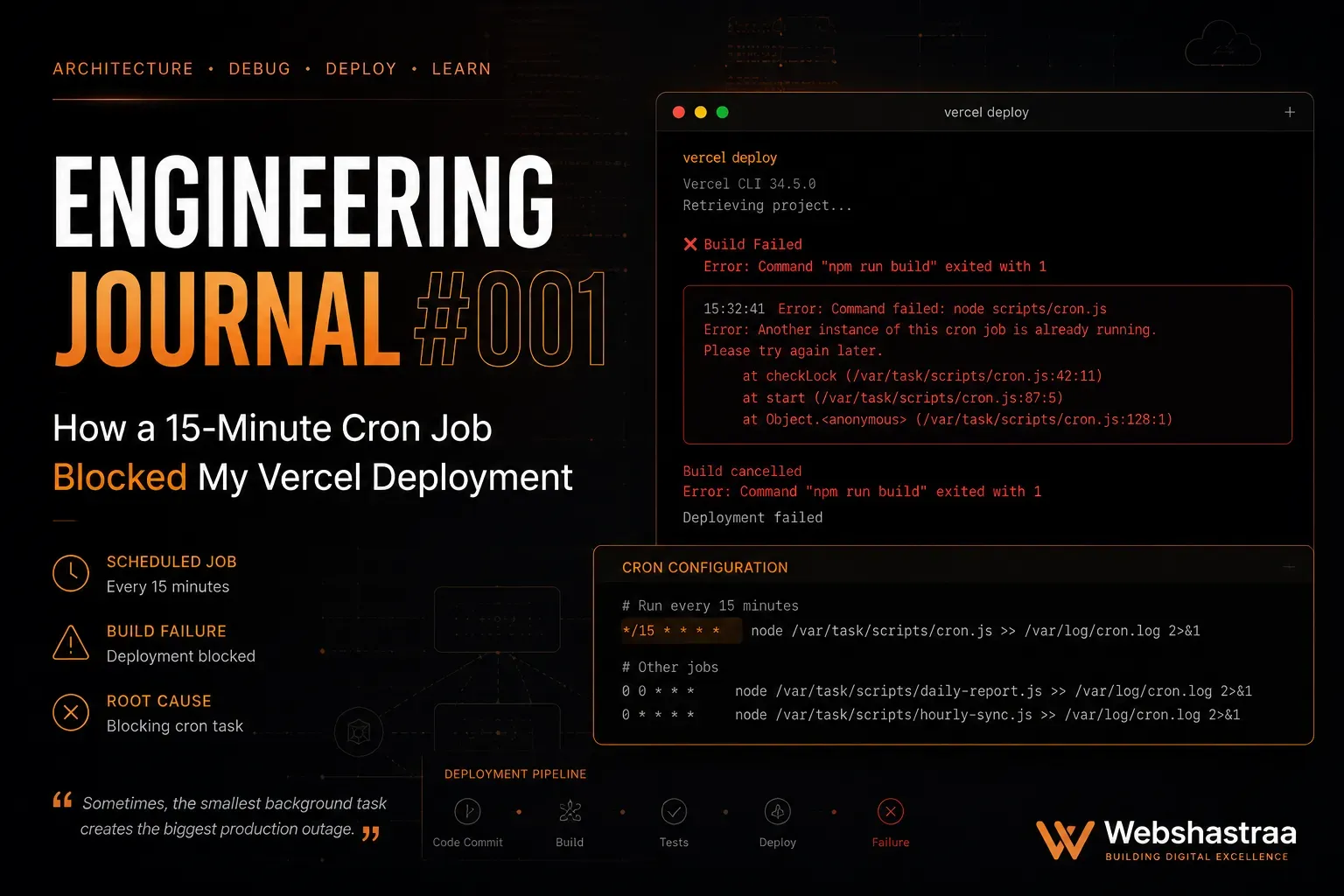
Vercel Cron Job Limits: Debugging Silent Hobby Plan Build Fails
Vercel Hobby plans silently fail builds if you configure a cron job to run more frequently than once every 24 hours. Learn how to debug this hidden error and offload high-frequency tasks to secure external API triggers.
1. The Silent Vercel Build Failure Trap
Your Next.js application compiles perfectly on your local machine, but pushing the code to Vercel results in an immediate, silent build failure. The deployment logs provide zero stack traces or actionable error messages.
During the initial deployment phase, Vercel parses the
vercel.json configuration file before it even attempts to build your React code. On the Vercel Hobby plan, cron jobs are strictly restricted to a minimum interval of 24 hours (e.g., executing once a day). If the parser detects a CRON expression configured for a higher frequency, the validation engine rejects the entire deployment payload but fails to output a distinct, human-readable error into the standard build logs.In practice, we frequently see this issue when engineering automated inventory tracking dashboards. For instance, a developer writes a script to release reserved, unsold stock back into the main inventory pool. Because cart reservations expire quickly, they configure the cron job in
vercel.json to run every 15 minutes. The developer then spends two full days debugging their Next.js API routes and database connections, unaware that the 15-minute CRON string itself is triggering the silent infrastructure block.You must audit and purge any high-frequency cron expressions from your
vercel.json file. If you are operating on a Hobby plan, restrict the configuration to daily executions (0 0 *). Never assume a silent build failure is a code issue. When Vercel deployments fail without a stack trace, your first troubleshooting step must always be auditing your
vercel.json configuration limits.2. Decoupling High-Frequency Crons via External APIs
Removing the 15-minute cron job from Vercel fixes the build pipeline, but it breaks your core business logic. You still need a reliable mechanism to execute background scripts multiple times an hour.
Serverless platforms like Vercel optimize for frontend delivery, not complex backend task scheduling. To prevent resource abuse on free tiers, they lock high-frequency scheduling behind enterprise paywalls.
An e-commerce platform relies on a 15-minute sync to release unsold stock. If this task is downgraded to a 24-hour interval, the storefront will display items as "Out of Stock" for an entire day, directly destroying revenue. Resolving these architectural bottlenecks is just as critical for revenue as passing a Shopify SEO checklist 2026 audit.
Decouple the scheduling mechanism from your hosting provider. Expose your background task as a standard Next.js API route. Then, utilize a free, dedicated external scheduling service like
cron-job.org to ping that exact URL every 15 minutes. This shifts the scheduling burden off Vercel while keeping the execution logic inside your application.Decoupling your background task triggers from your hosting infrastructure prevents vendor lock-in and allows you to bypass arbitrary tier limitations effortlessly.
3. Securing Exposed Serverless Endpoints
Offloading cron triggers to an external API endpoint exposes your sensitive backend operations to the public internet.
Next.js API routes are public by default. If you create an endpoint to release inventory or compile financial data and point
cron-job.org to it, anyone who discovers that URL can trigger it.A developer exposes an unprotected
/api/cron/release-stock endpoint. A malicious bot scrapes the site, discovers the URL, and pings it 1,000 times a second. Because the endpoint triggers a heavy database query, it immediately exhausts the serverless connection pool. This is a catastrophic architectural flaw that forces teams to audit their infrastructure to reduce nextjs hosting costs after incurring massive compute bills.You must secure the endpoint using cryptographic validation. Generate a strong, random secret key and store it in your Vercel environment variables. Configure
cron-job.org to send this key inside an Authorization header, and explicitly reject any incoming request that lacks the correct token.Treat every single webhook and external cron trigger as a hostile entry point. You must mathematically verify the identity of the caller before executing any backend state mutations.
4. Validating High-Frequency State Mutations
Running background tasks every 15 minutes introduces severe race conditions and data corruption if the execution environment overlaps.
Serverless functions do not execute in a perfectly synchronous queue. If your inventory release script takes 16 minutes to process a massive catalog, the external scheduler will fire the next request before the first one finishes. Both functions will query the database simultaneously, leading to double-processing and corrupted data states.
A 15-minute cron job initiates a routine to release reserved stock. Because the database is under heavy load, the query stalls. The next 15-minute ping arrives and fires the same query. Both functions identify the same reserved items and attempt to restock them, artificially inflating the inventory count and allowing customers to purchase items that do not physically exist.
You must engineer high-frequency tasks to be idempotent. Utilize strict database transactions and locking mechanisms. When the function starts, it should flag the database rows as "processing" so subsequent executions ignore them.
High-frequency background tasks demand idempotency. Ensure that executing the same script multiple times concurrently does not compromise your data integrity.
5. Retaining Native Daily Crons on Vercel
Migrating every single background task off Vercel adds unnecessary operational complexity to your infrastructure management.
Engineers tend to overcorrect. After experiencing a silent build failure, a developer might aggressively rip out all cron configurations and move them to external services, fragmenting their architecture and increasing the monitoring burden.
An administrative dashboard requires a 15-minute inventory release script and a simple, once-a-day script to compile employee shift notes into a PDF. Moving the daily shift notes script to an external provider is entirely unnecessary, as Vercel handles 24-hour tasks flawlessly on the free tier.
Adopt a hybrid scheduling architecture. Retain tasks that run once a day or less (like database cleanups, daily email digests, or shift notes compilation) securely inside your native
vercel.json file. Offload only the tasks that violate platform limits (under 24 hours) to external API triggers.The most resilient architectures balance capability with simplicity. Hybrid scheduling leverages native platform strengths while intelligently circumventing arbitrary hosting limitations.
Call to Action
Are hidden configuration limits and unoptimized serverless functions bottlenecking your platform's scalability? Request an Engineering Audit from the technical team at Webshastraa.
💡 Key Engineering Takeaways
Frequently Asked Questions
Why does my Vercel build fail without any error messages?
Vercel parses the `vercel.json` configuration file before compiling your application code. If your configuration violates your specific billing plan's limits (such as setting a cron job to run more frequently than once every 24 hours on the Hobby plan), the deployment halts instantly. Vercel often fails to output a distinct error trace for this specific validation failure.
Can I run cron jobs every hour on Vercel?
Not on the Hobby plan. The free tier restricts cron job execution to a minimum interval of once per day (24 hours). To run tasks hourly or by the minute, you must upgrade to the Pro plan or offload the scheduling to an external service.
What is cron-job.org and is it safe to use?
`cron-job.org` is a free, reliable external scheduling service that executes HTTP requests at specified intervals. It is completely safe to use, provided you strictly secure your Next.js API endpoints with cryptographic Bearer tokens so that only authorized services can trigger your backend logic.
How do I secure a Next.js API route meant for external crons?
Generate a complex, random string and save it as an environment variable (e.g., `CRON_SECRET`). Configure your external scheduler to send this secret inside the `Authorization` HTTP header. Inside your Next.js route, verify that the incoming header matches your environment variable before executing any code.
What is idempotency and why does it matter for cron jobs?
Idempotency means that executing a function multiple times produces the exact same result as executing it once. This is critical for high-frequency background tasks. If a 15-minute script overlaps with its previous execution, an idempotent design ensures it does not double-process data or corrupt your database.
Feedback
Was this article helpful?
Related Engineering Diaries
One Shopify CDN Image Broke My Detection Engine
A single Shopify CDN image completely fooled my custom website detection engine into returning a fal...
Why My Dashboard Felt Slow Even Though It Was Fast
My Next.js dashboard loaded in 200ms, but users still complained it felt sluggish. Discover how swap...
Fixing Phantom 404s: The 2000ms Database Timeout Trap
Intermittent 404 errors and fetch failures during Next.js builds can be maddening. Discover how incr...